Blog: Writing research posts
description: This guide will go over all the details and steps required to post a research article.
date published: 2021-11-03 | date updated: 2025-10-20

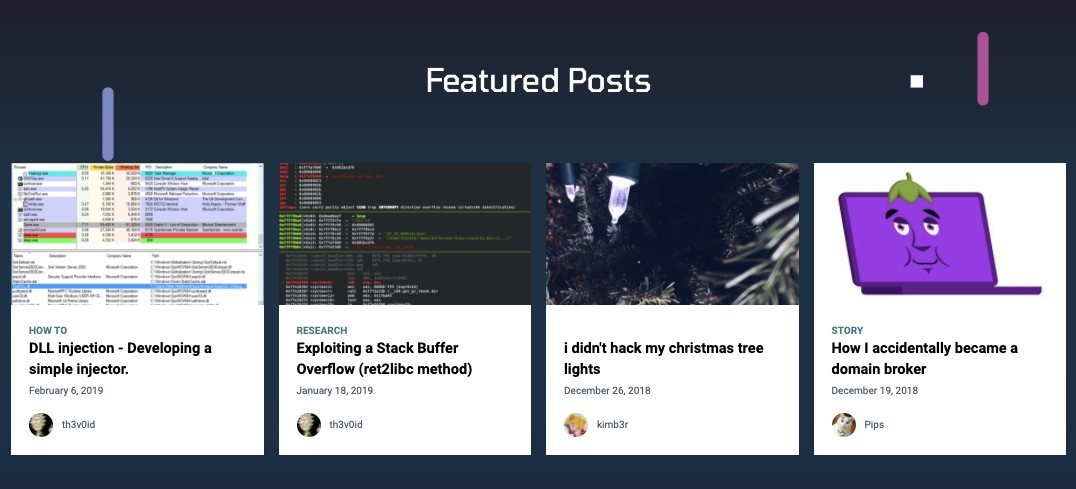
Lets talk about how to write a research post to appear on the research portal
https://801labs.org/blog/
Previously, we used the platform Ghost to write and publish research articles, how tos, and anouncments. This time around in the new website, we have had the research blog function built directly in.
All a user has to do to create an article
- go into Github
- fork the repo
- navigate to the
/content/blogdirectory in themainbranch. - create a new folder with a dash separated name, such as
2025-10-19-example-post. This folder name will be theslugfor your article. - create a file named
index.mdin this folder. - import the below code block into your new markdown file. This block of code instructs the website on how to display information about the post. This includes tags, a title, a cover image, an author, etc.
- put all images for your post into this folder, and refer to them at a path relative to your
index.md. This means that you'll know you have your images in the right place when you can see them in the "markdown preview" mode that your IDE provides.
---
title: A solid Title
date_published: 2025-10-20T01:14:27.544Z
date_updated: 2025-10-20T01:14:27.544Z
tags: tag1, tag2
description: A brief little discription of what your post is about.
cover: 'cover.png'
author:
  name: your name
  avatar: 'avatars/youravatar.png'
---
- write your post
- preview your post locally by opening a terminal in the root folder of the project and running
npm install && npm run startto generate a build. Then you can look at thedistfolder to verify that your page looks like it built correctly. - create a pull request with your post